> For the complete documentation index, see [llms.txt](https://liieditors.docs.laws.africa/llms.txt). Markdown versions of documentation pages are available by appending `.md` to page URLs; this page is available as [Markdown](https://liieditors.docs.laws.africa/managing-documents/journal-articles.md).
# Journal Articles
This is a guide on the complete process of uploading journal articles on our platform.
The workflow is structured in three steps:
1. **Create a Journal**
2. **Add Volumes/Issues to the Journal**
3. **Upload Journal Articles**
### Add a Journal
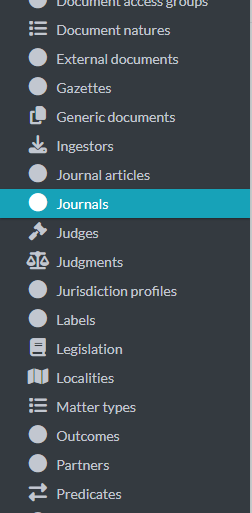
1. Select **journals** from the list of menu items
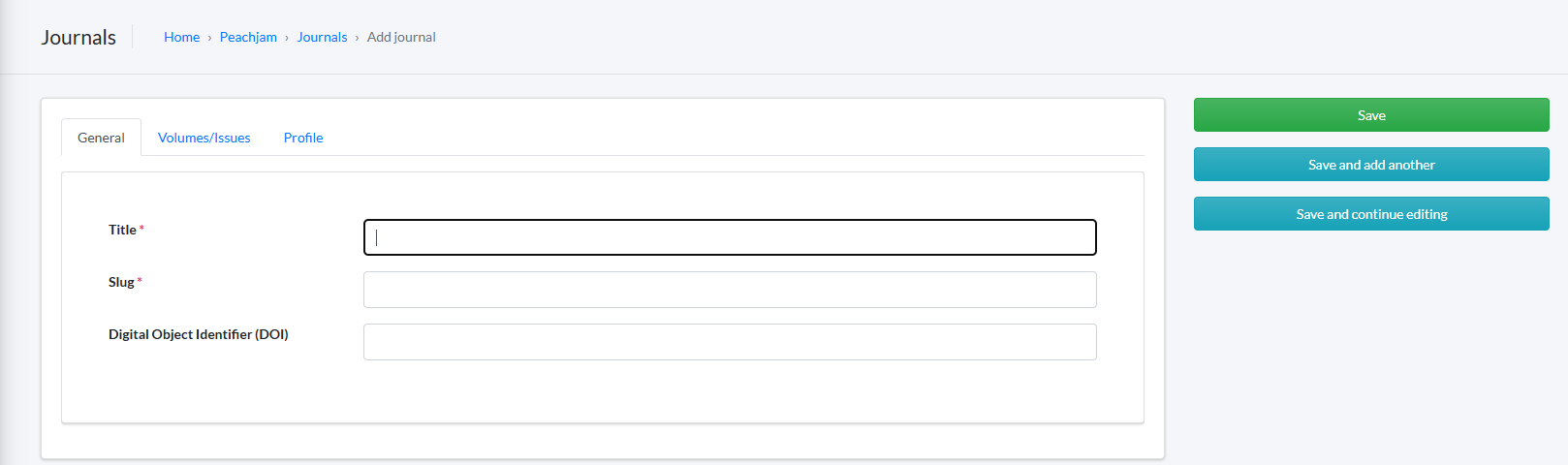
2. Click the "**Add Journal**" button
3. Complete the required fields:
* **Title**: Full name of the journal
* **Slug**: Auto-generated
* **DOI** (optional): If available
4. Click **Save** or **Save and continue editing**
### Add Volumes / Issues
1. Click the **Volumes/Issues** tab
2. Enter the volume or issue title e.g vol 1
3. Click **Add another Volume/Issue** to include multiple entries
4. Click **Save** or **Save and continue editing**
### Upload a Journal Article
1. Go to **Journal articles** in the admin sidebar
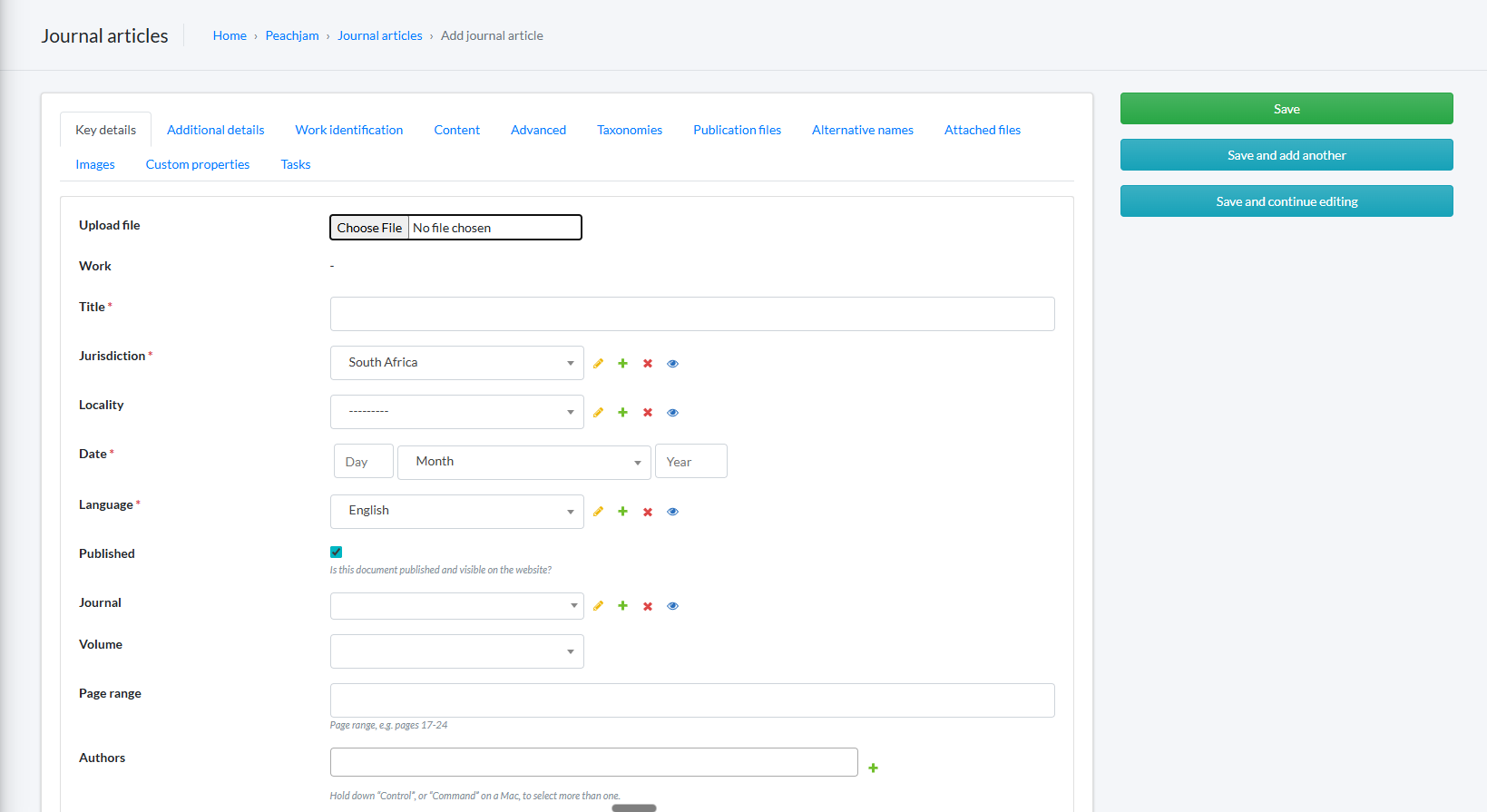
2. Click **Add journal article**
3. Complete the key details
* Click **Choose file** to upload the article document
* **Title**: Article title
* **Jurisdiction**: Select the relevant jurisdiction
* **Locality**: Optional (if applicable)
* **Date**: Publication date of the article
* **Language**: Language of the article
* **Published**: Check the box to make the article visible on the site
* **Journal**: Select the journal created
* **Volume**: Select the appropriate volume/issue
* **Page range**: Optional (e.g. 17–24)
* **Authors:** Select existing authors or institutions from the list, or add new authors if needed
4. Click the **Taxonomies** tab to assign taxonomies
5. Utilizing **taxonomies** helps classify the journal article properly
6. Click **save**
7. Click **View on site** to view the journal article
8. To make **edits** to the journal article you added, click the **edit button** in the top left corner of the article
9. Make the necessary changes and click save again.