> For the complete documentation index, see [llms.txt](https://liieditors.docs.laws.africa/llms.txt). Markdown versions of documentation pages are available by appending `.md` to page URLs; this page is available as [Markdown](https://liieditors.docs.laws.africa/site-admin/courts.md).
# Courts
1. On the left-side of your dashboard on the admin page, select **court registries** from the list of menu items.
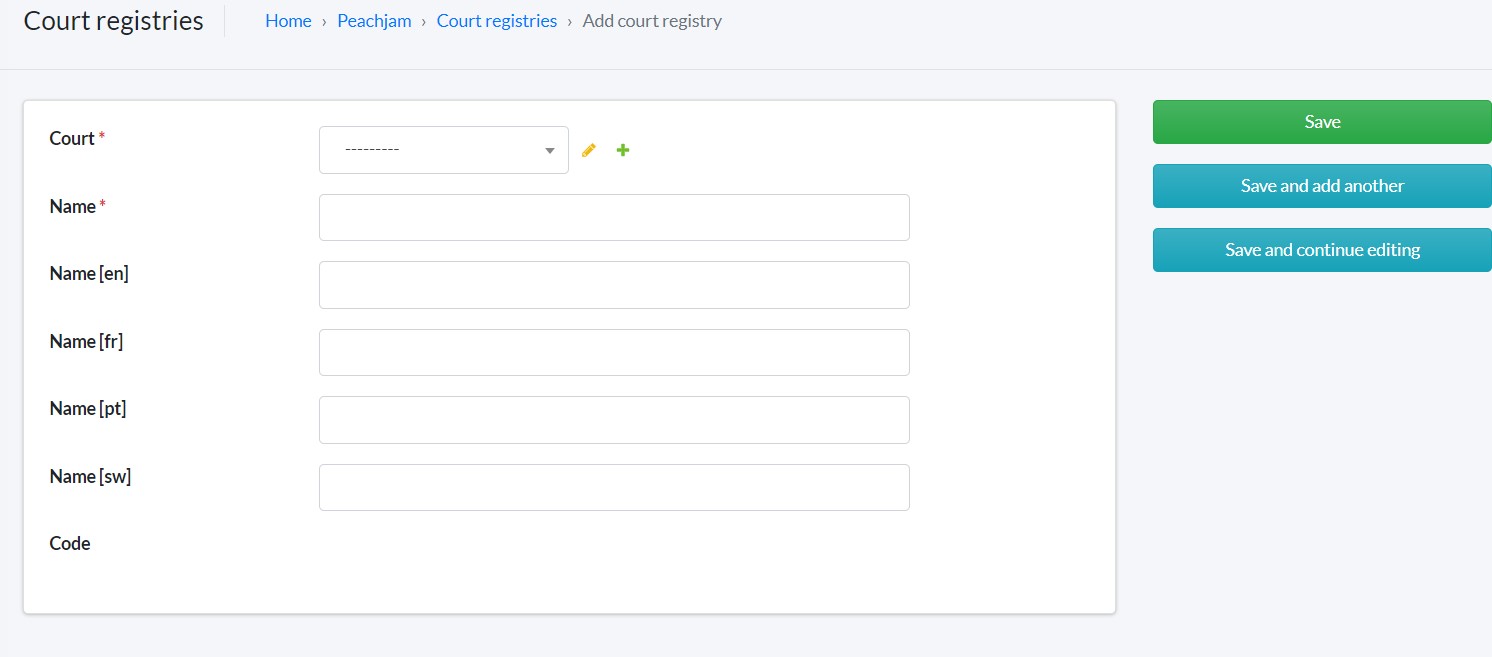
2. Click the green **+ Add court registries** button on the top right hand corner of your screen to begin adding a court registry.
3. The fields with \* are compulsory fields and must be populated.
4. Click **save** to complete adding your court registry to the system.